



Key Takeaways
- SSL or TLS certificate errors are commonly caused by expired certificates, domain mismatches, self-signed certificates, or broken trust chains. They are entirely preventable with proper visibility and automated certificate lifecycle management, which becomes essential as certificate validity shrinks to 47 days by 2029.
- organizations experiencing certificate errors face revenue loss, customer distrust, and reputational damage.
- Strategic approaches to certificate error resolution differ between quick remediation and long-term prevention strategies.
- Automated certificate lifecycle management enables organizations to detect and resolve these issues before they impact users.
- Understanding the distinction between symptomatic fixes and structural solutions helps teams priorities their PKI investments.
What is an SSL Error?
An SSL error is a browser message indicating a problem with establishing a secure connection to a website, most often caused by an invalid or expired SSL certificate.
What’s Actually Happening When You See an SSL Error?
When someone gets an error message “Your connection is not private,” there’s usually a straightforward explanation behind it.
An SSL error is your browser’s way of saying it can’t establish a secure connection usually because something’s wrong with the certificate. During the TLS handshake, your browser runs three quick checks:
- Is this certificate still valid (not expired)?
- Did a trusted authority actually issue it?
- Does the certificate match the domain being accessed?
Fail any of these, and the browser stops the connection cold. No grace period. No warnings for “just this once.” What appears to be a single error message often masks multiple underlying issues in your public key infrastructure (PKI).
The good news? Once you know what triggers each error type, you can put the right safeguards in place.
The SSL/TLS Certificate Errors You’ll Actually Encounter
Expired Certificate Errors
Commonly, when this is the case you see “Your connection is not private” or “This site is not secure.”
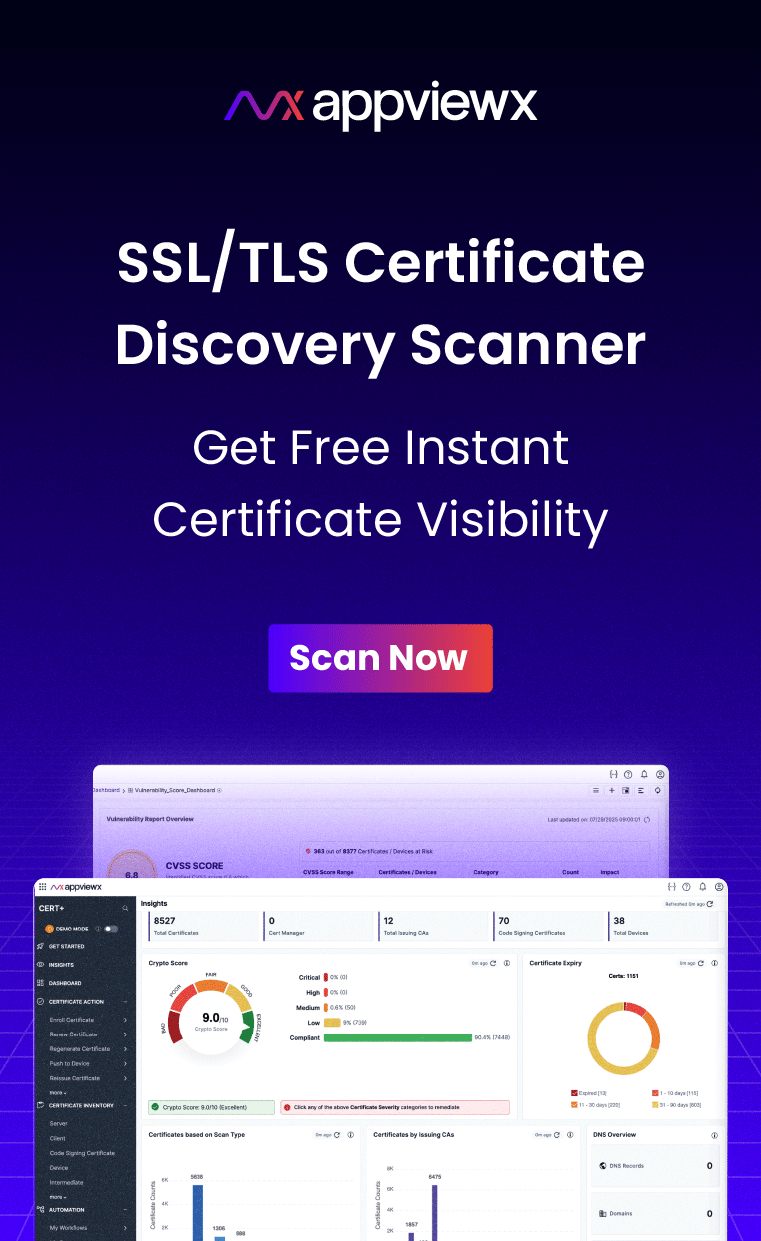
This is the most preventable error and yet it keeps happening. When a certificate’s validity period ends, browsers reject it immediately. No grace period, no partial trust. This is a common reason for invalid SSL certificate error code and publicly facing certificate risks can be easily caught with a free scan of your public domains.
Here’s what makes this tricky: an AppViewX commissioned study found that up to 25% of all certificates are expired at any given time and industry data shows that 12 percent of security breaches in recent years were caused by incorrect SSL settings or expired certificates.
With the CA/B Forum’s SC-081 ballot now approved, certificate validity is shrinking to just 47 days by March 2029. That means renewals jump from once a year to roughly eight times annually. Manual spreadsheet tracking simply won’t cut it anymore.
Domain Mismatch Errors
When this error occurs, you might see: “The certificate is only valid for example.com, not www.example.com”
This happens when the domain in your certificate doesn’t match what users type in their browser. Common scenarios include:.
- Subdomain complications (certificate for api.example.com used on data.example.com)
- Migration oversights when moving to new domains
- Load balancer misconfigurations routing traffic to the wrong server
The fix? Multi-domain (SAN) certificates can secure multiple domains with one certificate but they require planning upfront.
Self-Signed Certificate Errors
When you visit a website and see an error message such as CERTIFICATE AUTHORITY INVALID or CANNOT IDENTIFY SERVER IDENTITY, it is typically because that website has self-signed certificates.
Self-signed certificates carry the same cryptographic strength as Certificate Authority (CA) issued ones. A certificate’s cryptographic strength is determined by the key type, key length, and algorithm, not the issuer. A self-signed certificate using RSA-2048 or ECC P-256 is cryptographically equivalent to a CA-issued certificate with the same parameters.
The difference is not in encryption or strength. It is in trust. Browsers cannot verify a chain of trust for a self-signed certificate as a trusted Certificate Authority does not issue it.
Self-signed certificates have their place (internal testing environments, for example), but in production? They undermine user trust and create compliance headaches.
Untrusted Root Certificate Authority Errors
“Invalid certificate authority” indicates a break in the chain of trust. Common triggers include:
- Server presents the website certificate but forgets the intermediate certificates
- An intermediate CA in the chain has been revoked
- Client systems running outdated root certificate stores
The solution is to ensure your server sends the complete certificate chain during the TLS handshake.
Quick Reference: Error Types at a Glance
| Error Type | Browser Message | Primary Cause | User Impact |
| Expired Certificate | “Your connection is not private” | Certificate validity ended | Complete service is unavailable. |
| Domain Mismatch | “Certificate name mismatch” | Certificate CN/SAN doesn’t match URL | Service is inaccessible at that domain. |
| Self-Signed | “Certificate authority invalid” “Cannot identify server identity” |
No CA verification | Service is blocked without bypass options; user trust damaged. |
| Untrusted CA | “Invalid certificate authority” | Broken chain of trust | Service is unavailable and credibility is damaged. |
Why These Errors Keep Happening

The Visibility Problem
You can’t manage what you can’t see. organizations relying on spreadsheets or individual team member knowledge create blind spots. When someone leaves, their certificate knowledge walks out with them.
A typical enterprise certificate inventory spans web servers, API endpoints, internal services, IoT devices, DevOps pipelines, and code signing. Each of them usually has different renewal schedules and potentially different teams managing them.
Manual Renewal Processes
Even organizations with full certificate visibility can stumble at the renewal stage. Manual processes introduce multiple failure points:
- Missing the renewal window
- Renewing but forgetting to deploy to all systems
- Deploying without proper validation
- Not updating documentation
Outdated Cryptographic Standards
Modern browsers increasingly reject certificates using older algorithms. According to SSL Labs data, approximately 70.1 percent of surveyed websites have adopted TLS 1.3 as of mid-2024 but that still leaves a meaningful percentage on older, vulnerable protocols. In fact, at least 2 percent of websites still support the now-deprecated SSL protocol.
Misconfigured Multi-Domain and Wildcard Certificates
Organizations often try to reduce certificate management overhead by using wildcard or multi-domain certificates. These certificates were created to simplify management of multiple subdomains. While these approaches simplify deployment, they also introduce complexity when not handled carefully.
A wildcard such as *.example.com secures broad coverage, including:
- www.example.com
- api.example.com
- mail.example.com
- status.example.com
However, wildcard certificates do not secure the naked domain (example.com) or deeper subdomains such as api.internal.example.com. This limitation is often overlooked, but it is not the most significant concern.
The core issue is the shared private key. When a wildcard certificate is used across many systems, that key becomes a single point of compromise. If it is exposed, every subdomain that relies on the certificate can be impersonated. This exposure creates opportunities for domain spoofing, man-in-the-middle attacks, and unauthorized access that may go undetected if logging and monitoring are not consistent across all systems. The risk grows when teams copy the certificate and its key across many systems without proper tracking. This reduces visibility and control and increases the chance of misuse or exposure.
Root Causes: Where Things Go Wrong
| Root Cause | Primary Problem | Impact Level | Fix Difficulty |
| Lack of Visibility | Unknown certificate inventory | Critical | High |
| Manual Renewal Processes | Missed renewal windows | Critical | Medium |
| Weak Cryptography | Outdated algorithms/protocols | High | Medium |
| Misconfigured Wildcards | Domain mismatch errors | High | Low |
| Scale Complexity | Too many certificates to track | Critical | High |
How Certificate Lifecycle Management Changes The Game
Organizations using Certificate Lifecycle Management (CLM) solutions report substantially fewer certificate-related errors. Here’s what a solid CLM platform delivers:
- Discovery and visibility: Automated scanning identifies all certificates across your infrastructure
- Centralized inventory: Single dashboard showing certificate status across all systems
- Expiration monitoring: Automated alerts as certificates approach renewal dates
- Automated renewal: Programmatic renewal requests submitted to CAs
- Policy enforcement: Rules preventing non-compliant certificates from deployment
With certificate validity periods shrinking to 47 days, crypto-agility becomes essential. The ability to rapidly rotate certificates, respond to compromises, and adapt to new standards separates resilient organizations from reactive ones.
Ready To Get Ahead Of Certificate Errors?
See how AppViewX helps enterprises automate certificate lifecycle management across hybrid and multi-cloud environments.
Explore CLM Solutions
Modernize How You Manage SSL Certificates
Certificate errors aren’t just technical annoyances. They are symptoms of infrastructure gaps that create real business impact. But here’s the thing: every one of these errors is preventable.
organizations that invest in proper certificate management gain more than just uptime. They build competitive advantages through improved availability, reduced security risk, and more efficient operations.
The modern infrastructure landscape, with shorter validity periods, distributed deployments, accelerating certificate proliferation, makes manual management unsustainable. Automation isn’t an optimization anymore. It’s table stakes.
The teams that recognize this shift early and prepare for post-quantum cryptography will be the ones best positioned when 47-day certificates become the norm.
Upgrade to Error-Free, Fully Automated SSL Certificate Operations
Wondering where your certificate infrastructure stands today? Talk to AppViewX about gaining complete visibility into your certificate ecosystem.
Tags
About the Author